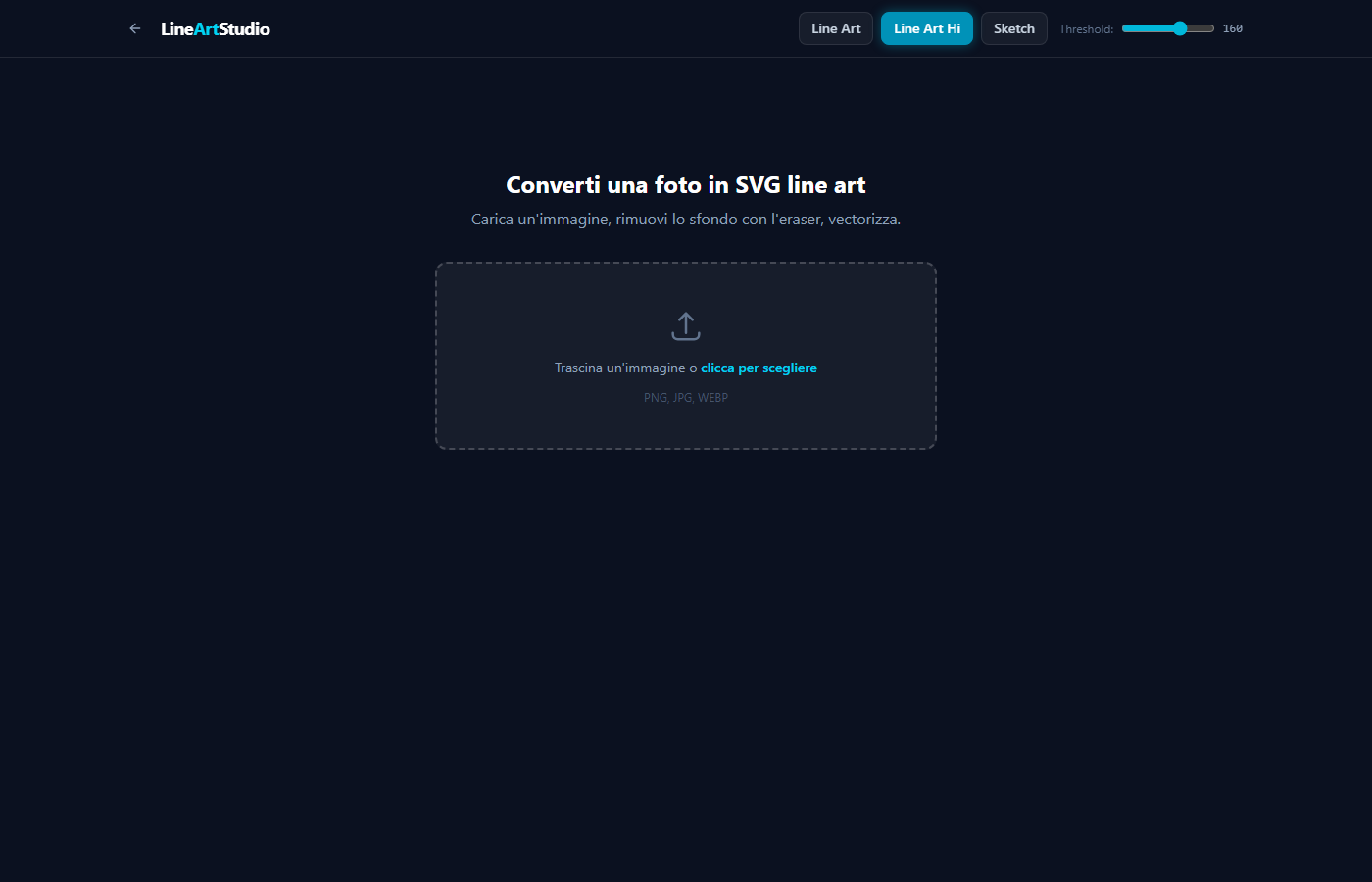
Carica un'immagine, rimuovi lo sfondo con la gomma, vettorizza con Potrace e scarica un SVG pulito e scalabile. In pochi secondi.
5 passi, zero configurazione
Trascina o seleziona un'immagine. Supporta PNG, JPG e WEBP.
Rimuovi sfondo, bordi e dettagli indesiderati.
Seleziona solo l'area che ti serve con lo strumento di ritaglio.
Il motore Potrace converte la tua foto in una line art SVG pulita e scalabile.
Esporta il risultato finale. Puoi anche rimuovere singoli path prima di scaricare.
Quello che serve, nient'altro
Line Art, Line Art Hi e Sketch — ognuno con soglia personalizzabile per il controllo massimo.
Passa il mouse sui path per evidenziarli in rosso e rimuovili con un clic. Undo illimitato.
Slider trascinabile per confrontare l'originale con il risultato SVG in tempo reale.
Tutto avviene in locale sul tuo computer. Le tue immagini restano tue.
Attualmente in alpha. Il prezzo verrà annunciato al lancio.